
Adding Artworks To Exhibitions
You can add an artwork to an exhibition from two places:
- from the artwork page
- from the exhibition page
From the artwork page
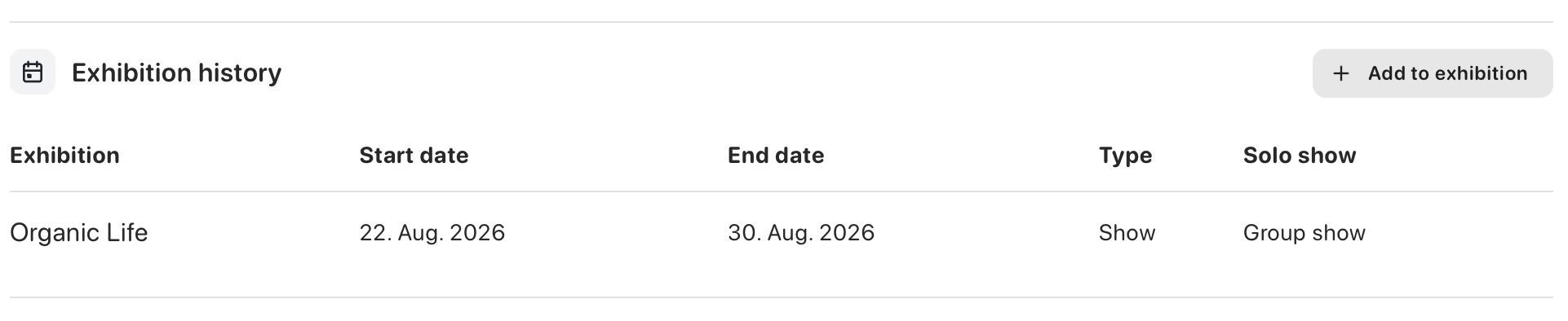
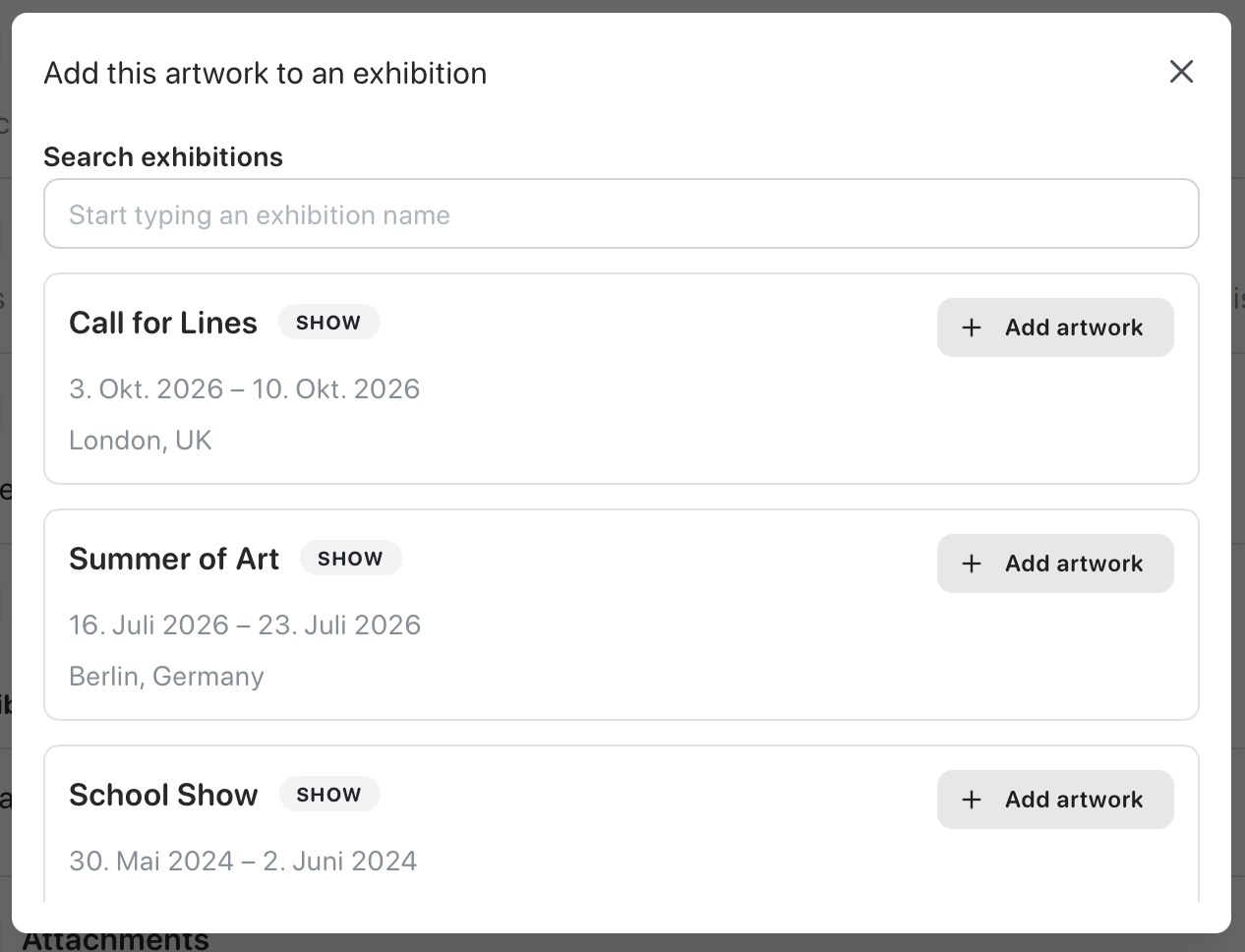
Section titled “From the artwork page”Open the artwork and go to the Detail tab.
Click Add to exhibition, choose the exhibition, and then click Add artwork.
For a limited edition, select the exact standard or special copies that are included. For an open edition, enter the number of copies shown.
From the exhibition page
Section titled “From the exhibition page”Open the exhibition and go to the Artworks tab.
Find the artwork you want and click Add.
You can then enter the exhibition price. For limited editions, select the exact standard or special copies being shown. For open editions, enter the number of copies shown.
Finish by clicking Save in the top right.
If you want to learn more about exhibitions in general, see Exhibitions.
See Managing Editions to learn how to set up copies and understand their production and disposition.