
Adding Artworks
There are a few easy ways to create a new artwork in Artlope.
You can:
- click
Add artworkin the quick actions on the Dashboard - click the
+button on the Artworks page - drag an image into the Dashboard, the Artworks page, or a Category page
You can also drop more than one image at the same time. Artlope will then ask what you want to do:
- create one artwork with all images together
- create one artwork for each image
This is useful when you photograph a whole series at once.
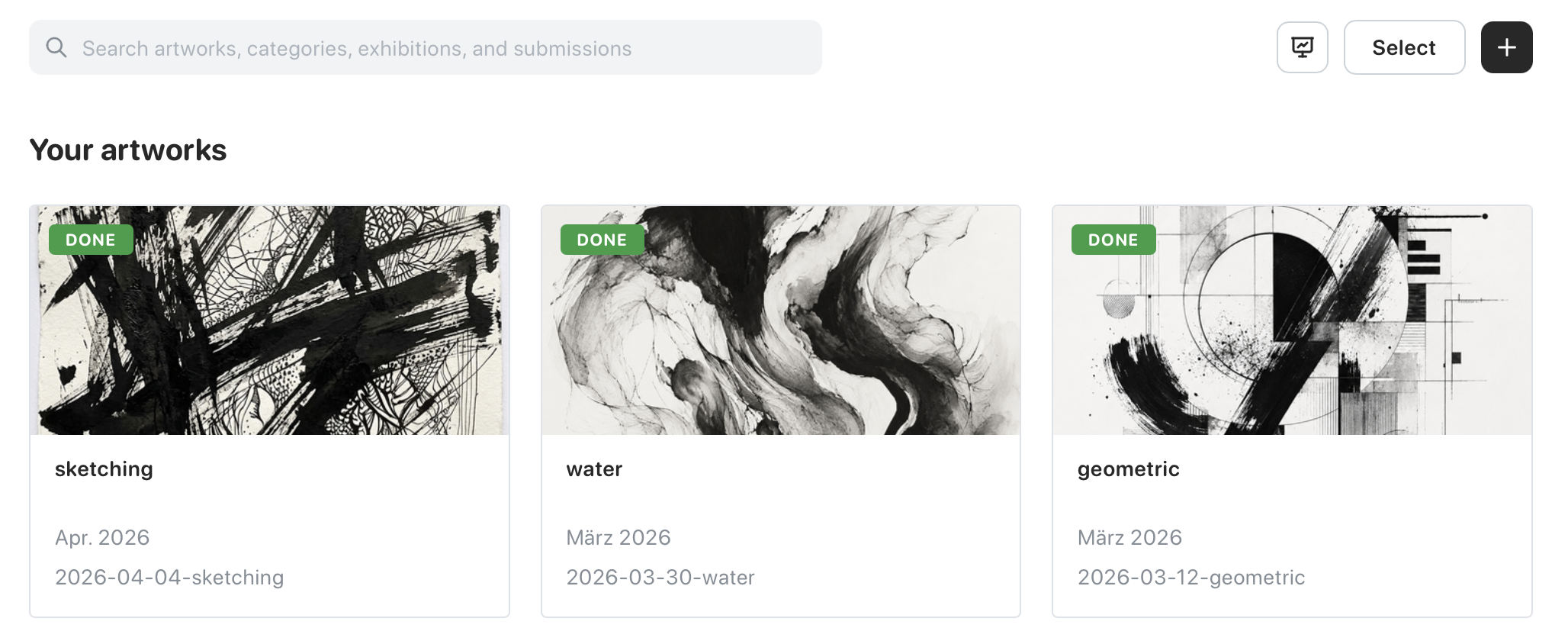
Image size limit
Section titled “Image size limit”Supported image formats are JPG, JPEG, PNG, GIF, WebP, and AVIF. HEIC and HEIF images are converted to JPEG before upload.
Files can be up to 3 MB.
If an image is larger, Artlope can offer to reduce the size for you before upload.