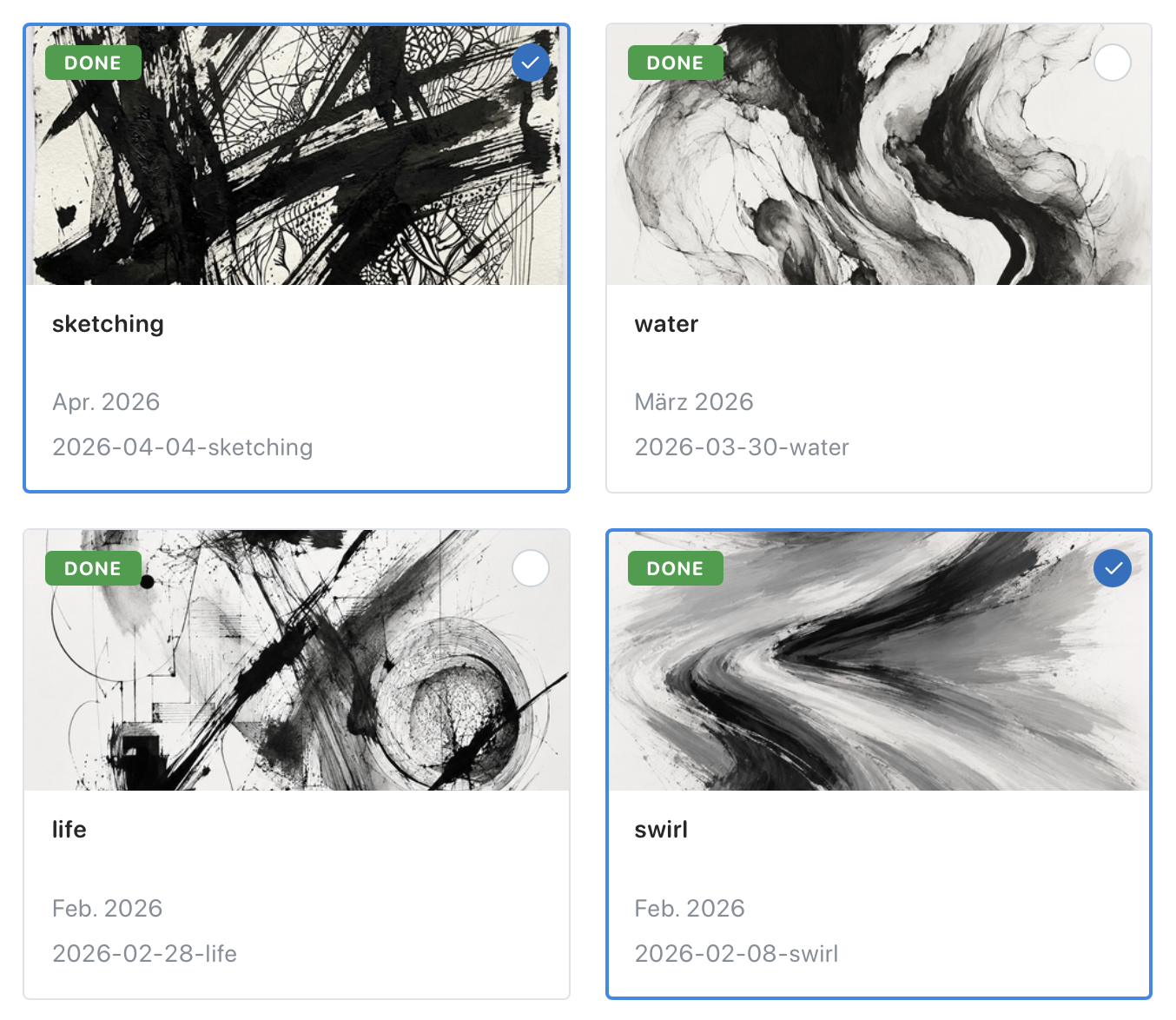
Bulk Editing
Bulk editing saves time when several artworks need the same change.
This is helpful after a large upload, when works move to a new location, when several works share the same framing, or when you want to update the same field on many pieces.
How to bulk edit
Section titled “How to bulk edit”- Open the Artworks page.
- Click
Selectin the top right. - Choose the artworks you want to update.
- Click
Edit. - Tick the fields you want to change.
- Enter the new values.
- Click
Save.
If you change a field in bulk, the old value is replaced.
For free text fields like Materials, Dimensions, and Frame, leaving the input empty clears the value from all selected artworks.
If you want to stop, click Cancel at any time.